01 · Live
It follows your head.
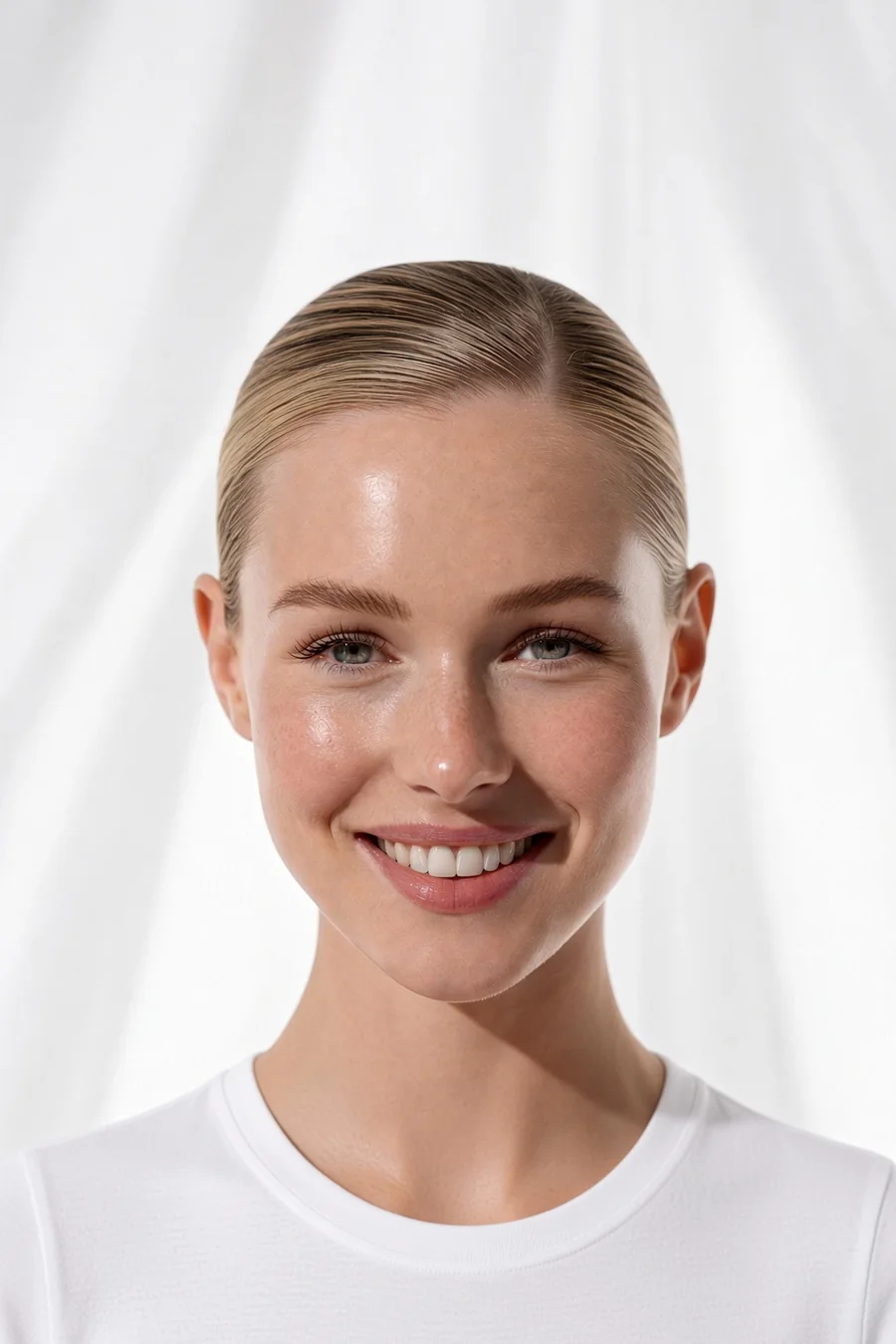
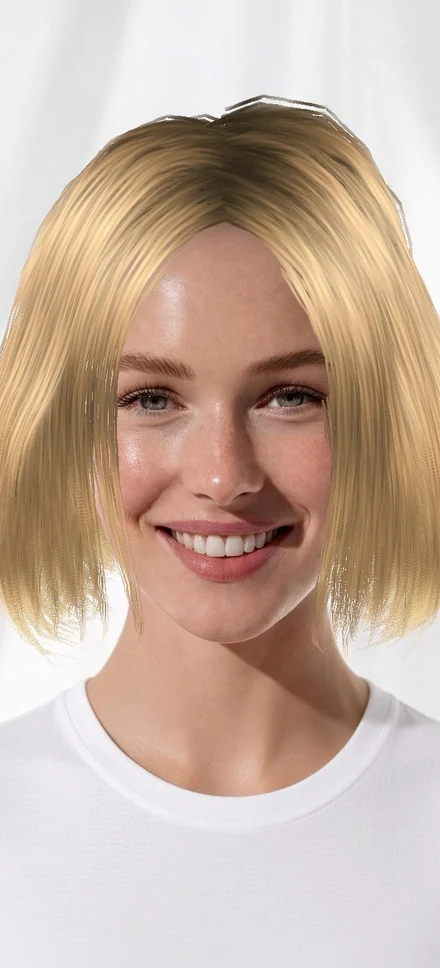
A 3D hairstyle placed on your face with the front camera. Turn your head, check your profile: it moves with you.
No account to create. You see yourself with a first hairstyle as soon as the app opens.
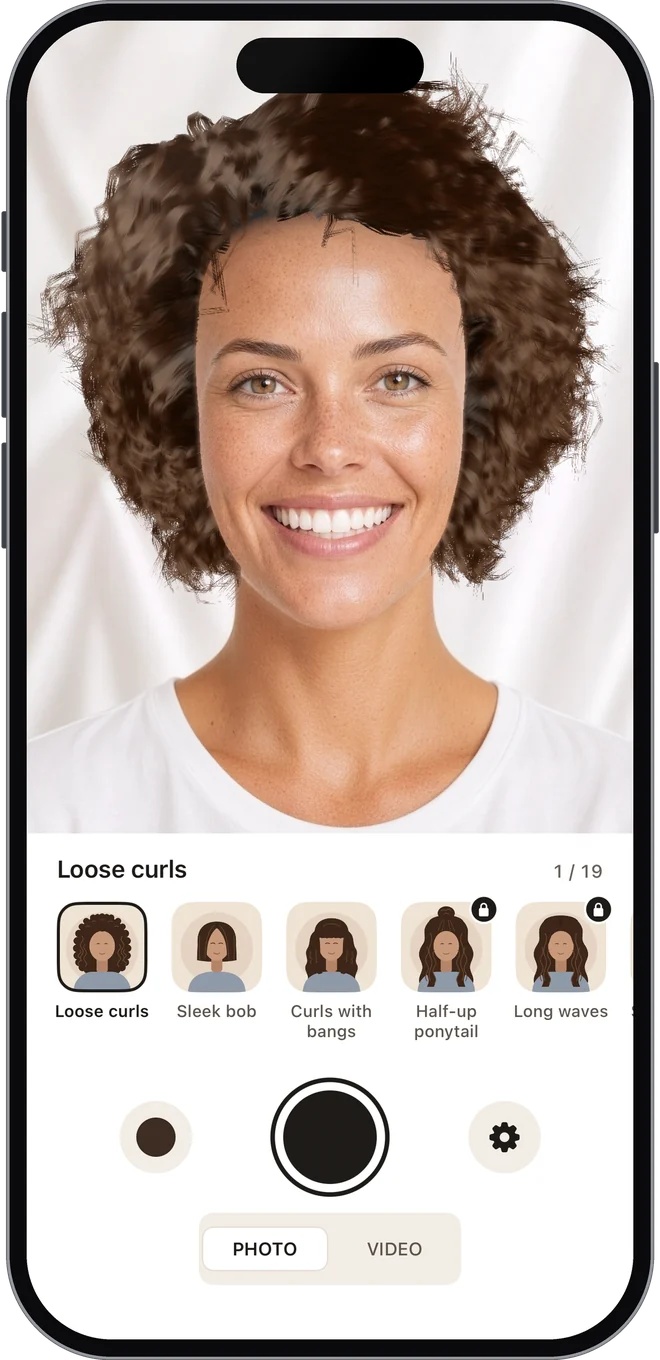
Hairstyle try-on for iPhone
Try hairstyles live on your own face, change the color and the length, then keep a photo or a video for your stylist. A preview, before you decide.

19 hairstyles, 3 of them free. A one-time purchase unlocks all the others, no subscription. No account, no ads.
01 · Live
A 3D hairstyle placed on your face with the front camera. Turn your head, check your profile: it moves with you.
No account to create. You see yourself with a first hairstyle as soon as the app opens.
02 · Color
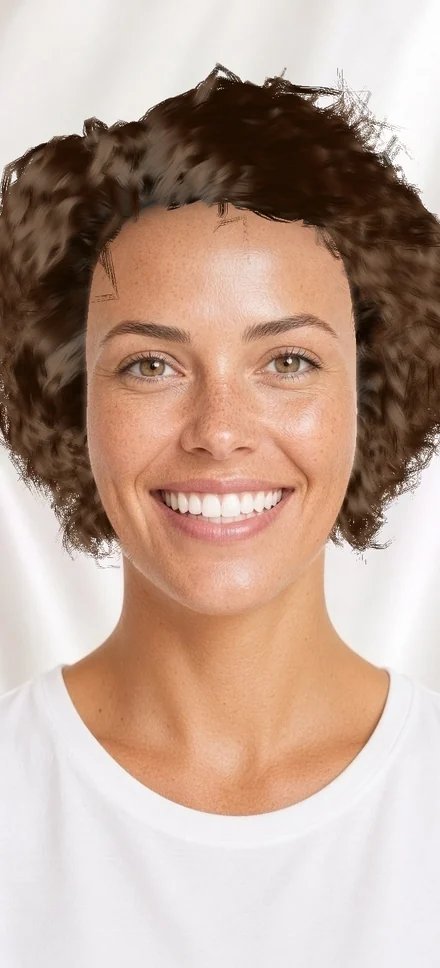
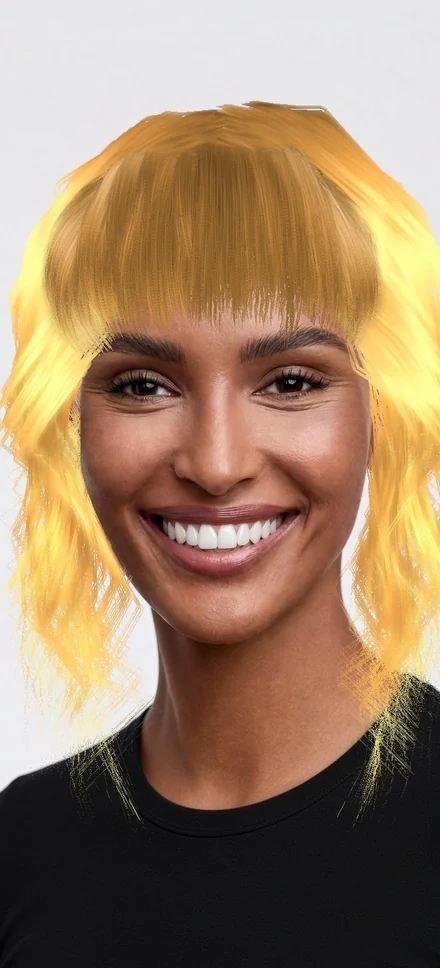
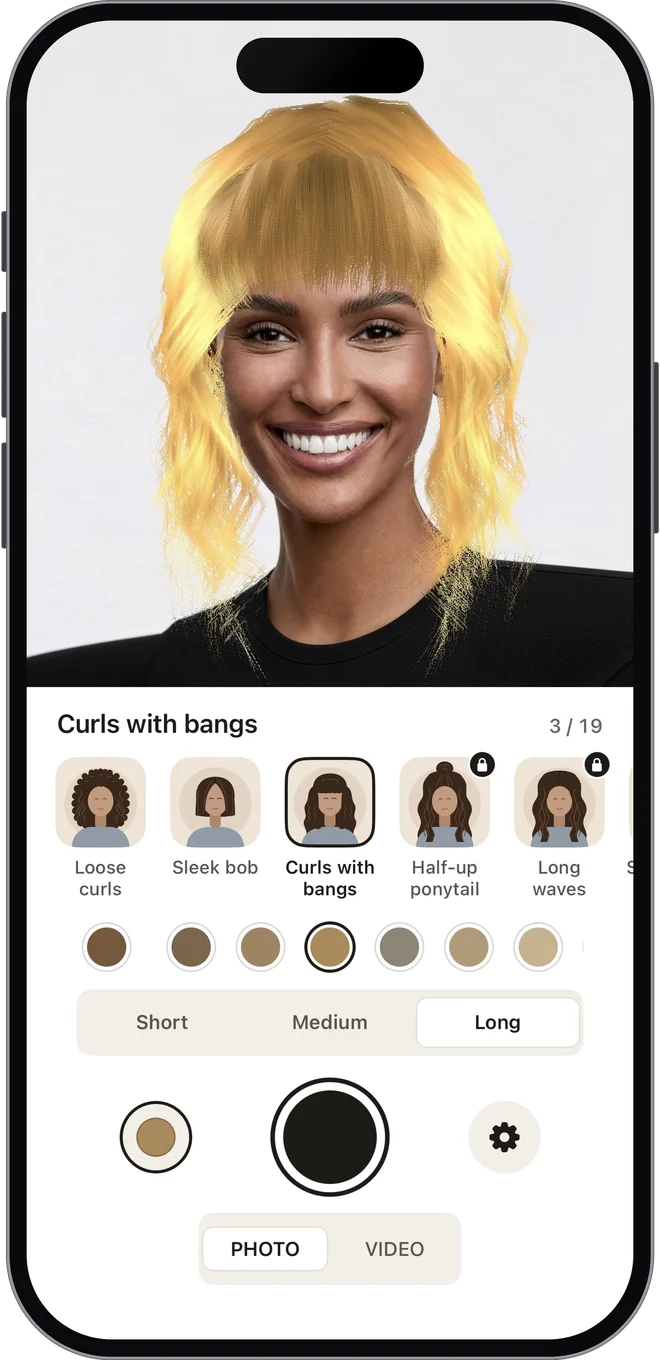
From black to white, blondes to reds. Tap a swatch and the color changes on you, right away.
The same colors on every hairstyle that offers them.
03 · Length
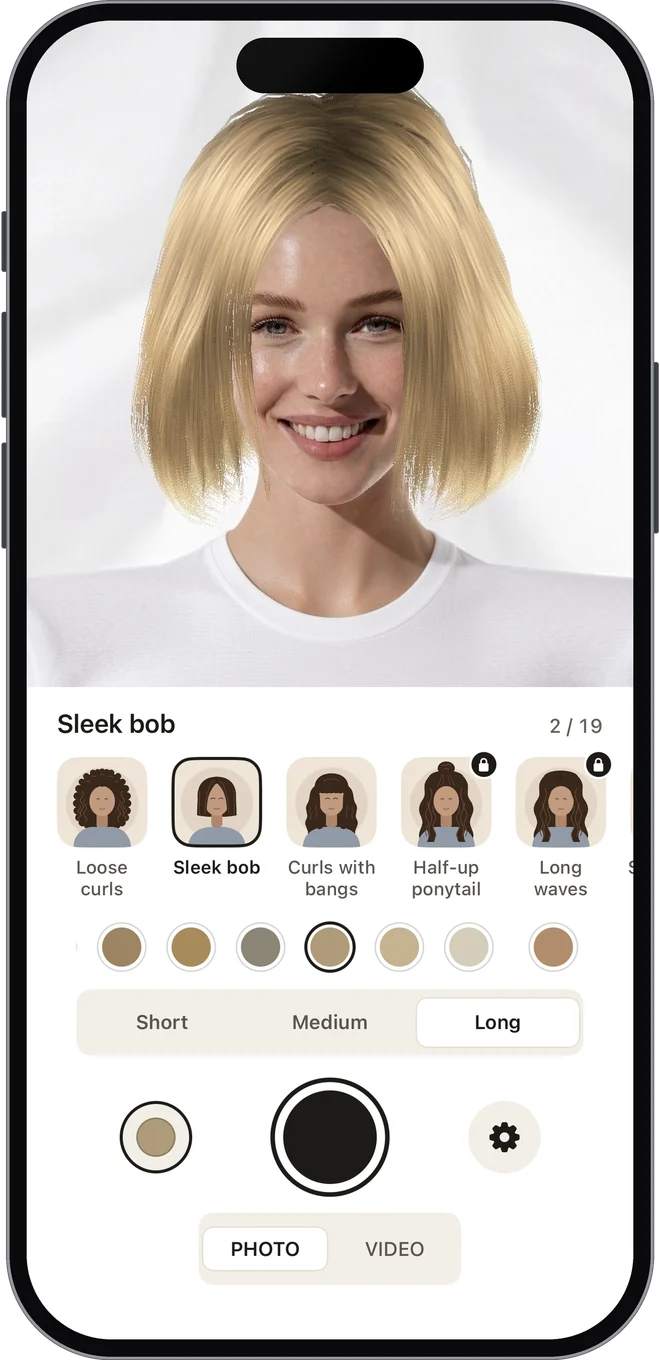
On the hairstyles that offer it, a control sets the length. Same hairstyle, three looks.
The setting is kept hairstyle by hairstyle.
04 · Keep it
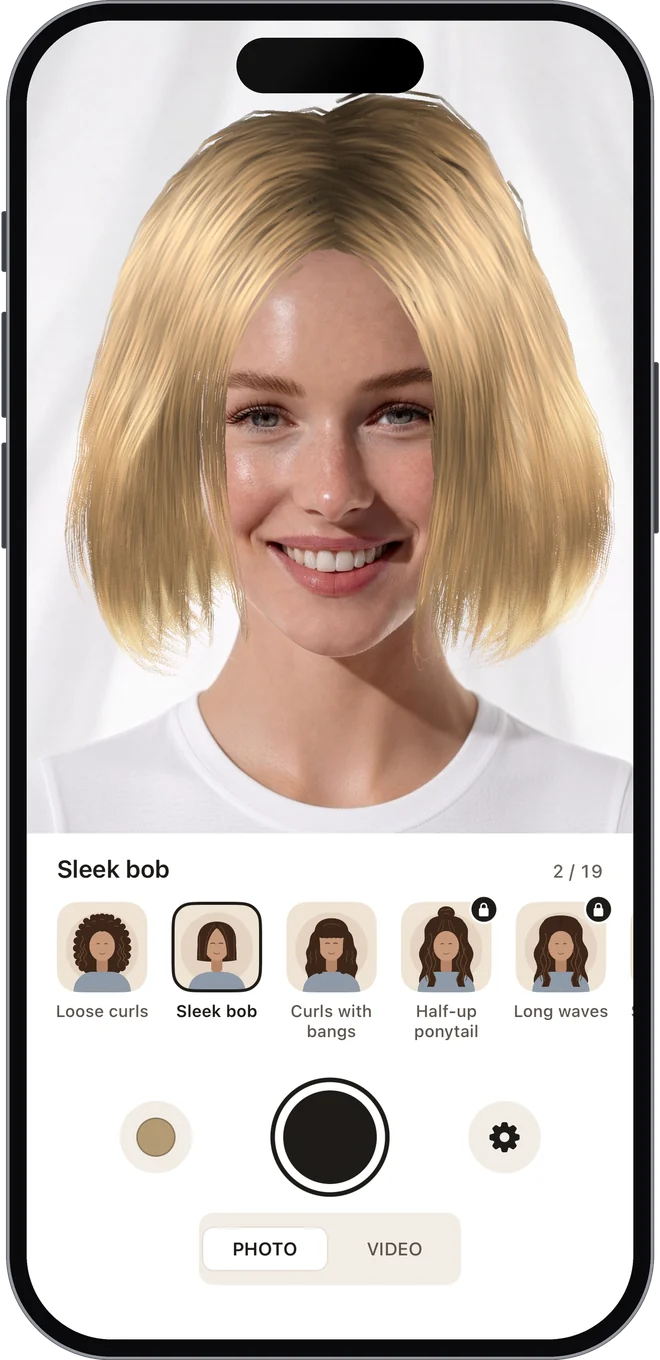
A photo, or a video of up to 15 seconds with sound, saved to Photos. At the salon, nothing left to explain.
A preview: the result at the salon depends on your hair and your stylist.
Your photos and videos leave the app only when you save them. Face tracking runs on your iPhone. No account, no ads.
Allow the camera: you see yourself with a first hairstyle.
A hairstyle, a color, the length when it offers one. Turn your head, check your profile.
Photo or video, saved to Photos, ready to show your stylist.
Hairstyles download the first time you use them: the app needs an internet connection. What our providers receive is detailed in our privacy policy. Do My Hair shows a preview: the result at the salon depends on your hair and your stylist.
Do My Hair is the iPhone app to try on hairstyles live on your face. Pick your next one before the salon and keep a photo or video for your stylist.
Our guides help you choose your next hairstyle and explain it at the salon; the methodology page says who writes them and how.
Three free hairstyles to start, sixteen more to unlock with a one-time purchase, no subscription.
iPhone, front camera. No account, no ads.